54% OFF, Save $54
16 lessons
Architecture · All levels
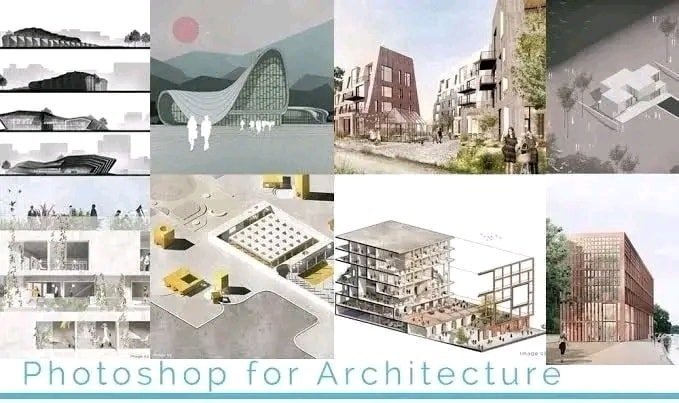
” Architectural Visualization and Post-Production Course Using Photoshop “
To begin with, by the end of this course we will be able to use the software tools effectively, make various Selections quickly and accurately, resize and fix images, work with Layers, Masks, and Channels, prepare images for print or web use, and use the various adjustment tools.
We will also be able to use color correction tools, use colors in general confidently, correctly, and effectively, use different brushes, create complex compositions in the software, and master architectural visualization and presentation, as well as advanced uses of Photoshop in all aspects that matter to architects.
The course consists of high-quality recorded videos that you can watch at any time that suits you and download to your device at any time, and they stay with you for life, not just during the course period
– Realistic rendering of spaces
– Drawing light and shadow
– Architectural diagrams
– Basics of architectural visualization
– Site design and presentation
– Online conversion tools
– Sketching and rendering
– Rendering plans and sections
– Populating architectural scenes .
– Composing panoramic shots
– Designing architectural competition posters
– Lettering for architectural elements
– 3D elements
What the participant gets
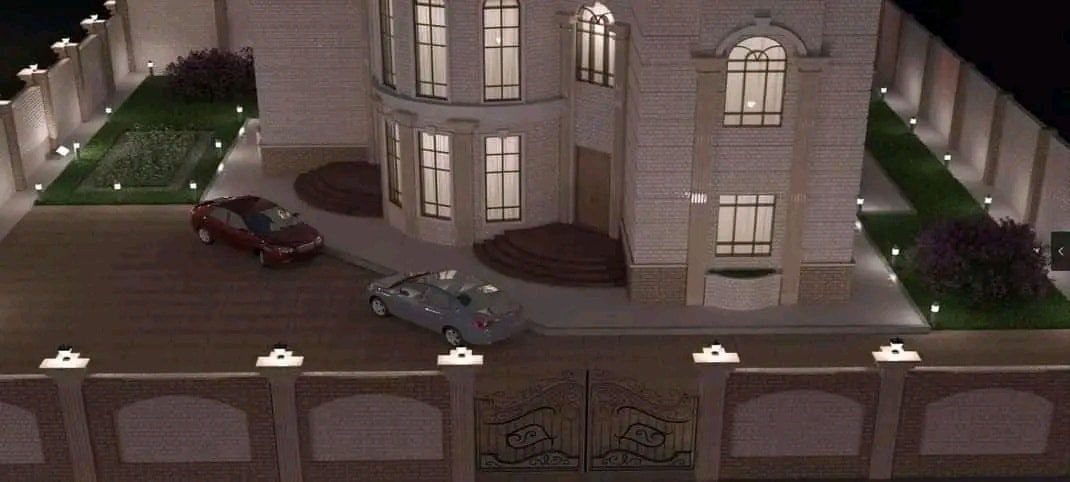
Attached are images of the projects completed in the course
The trainee receives a certificate accredited by the Academy at the end of the course
Chat with us on WhatsApp
Open WhatsApp app